Using "Open Link in Right View" In Chrome
Ward Cunningham, right once again...

A long time ago — over a decade ago in fact! — I worked with Ward Cunningham on his federated wiki project. Federated wiki was so many things at once that sometimes the innovations piled on top of innovations would get lost. It was a very early form of federated social media, in 2011. In my work, with Ward we created models for the wikified digital gardens and PKM systems that would become popular about six or seven years later. The work was cited by the people who made both Notion and Roam Research as an influence, and though I can’t find it now I think the Obsidian folks mentioned it too.
One thing Ward was insistent on was that new pages should not open up in a new tab, buy side-by-side. The idea behind this, derived from earlier pre-web visions of hypertext, was that very often one’s work was in-between the pages, in the relationship between them. You click a new link, and get to a new page, but then you want to remember the context of that link. Or maybe you want to copy some text from the linked page back to the linking page, or compare the text on the two pages.
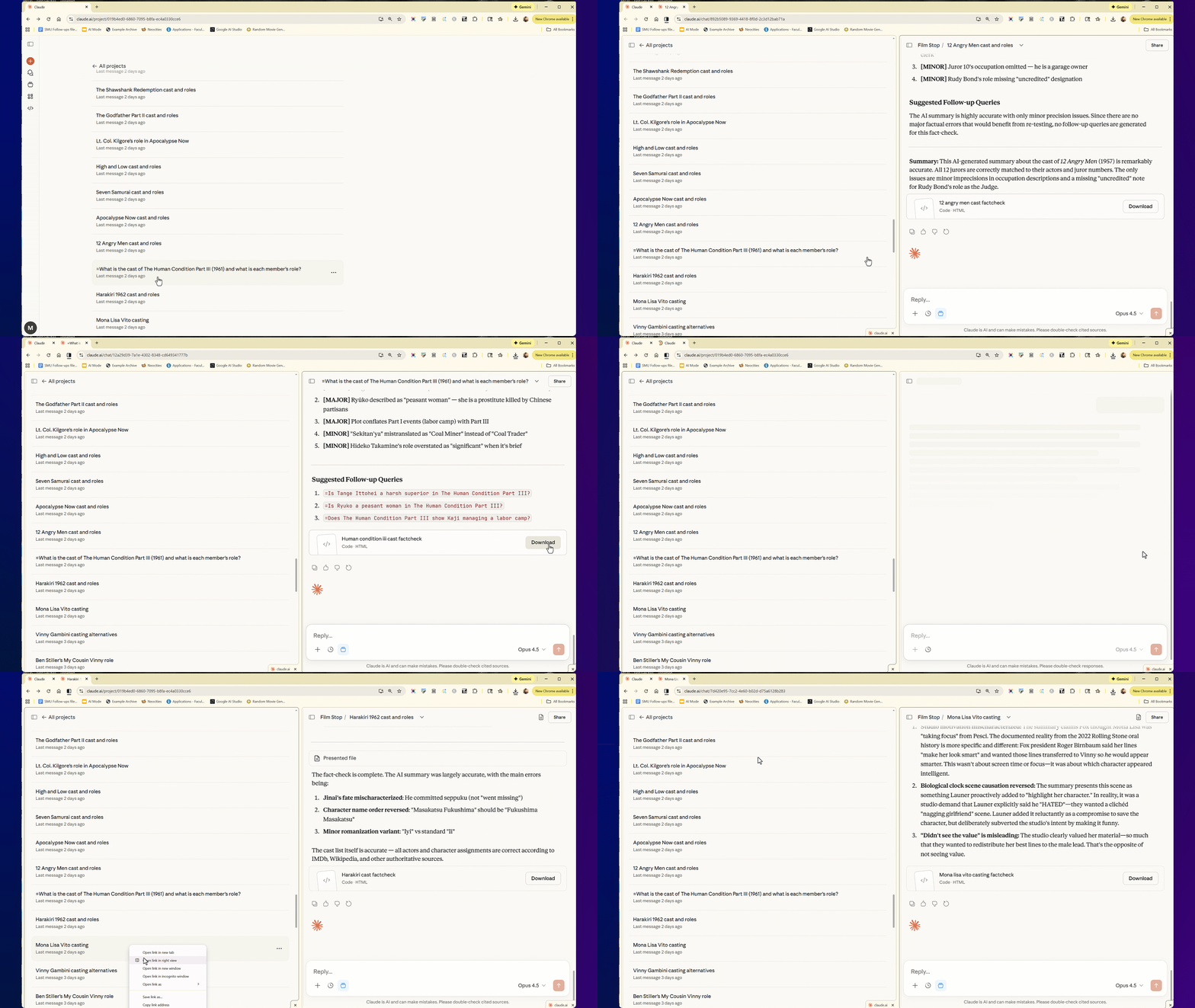
Or maybe, as I was today, you want to go through a list of links, execute an action on each one of them, and not lose your place.
As far as I know, many of the PKM systems like Obsidian and Notion were first to implement this feature in commercial software. I can’t prove they got it from Ward, but I think they did, even if only in a George Harrison “My Sweet Lord” way. It just makes everything more efficient.
In any case, I’m happy to announce that I spotted it in the Chrome context menu today, and the use of it helped me make short work of a task where I previously kept losing my place:
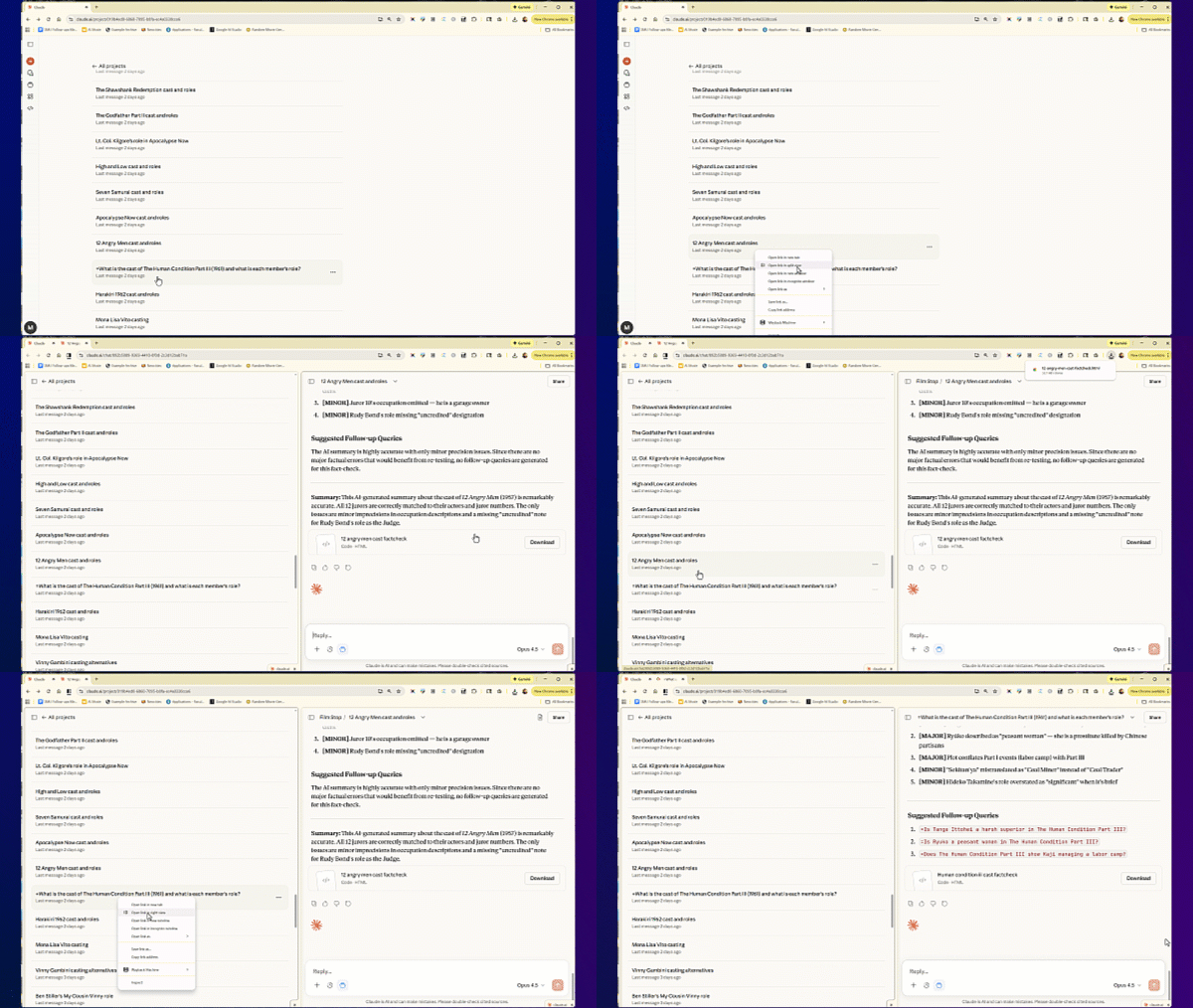
To use it, just open your context menu…
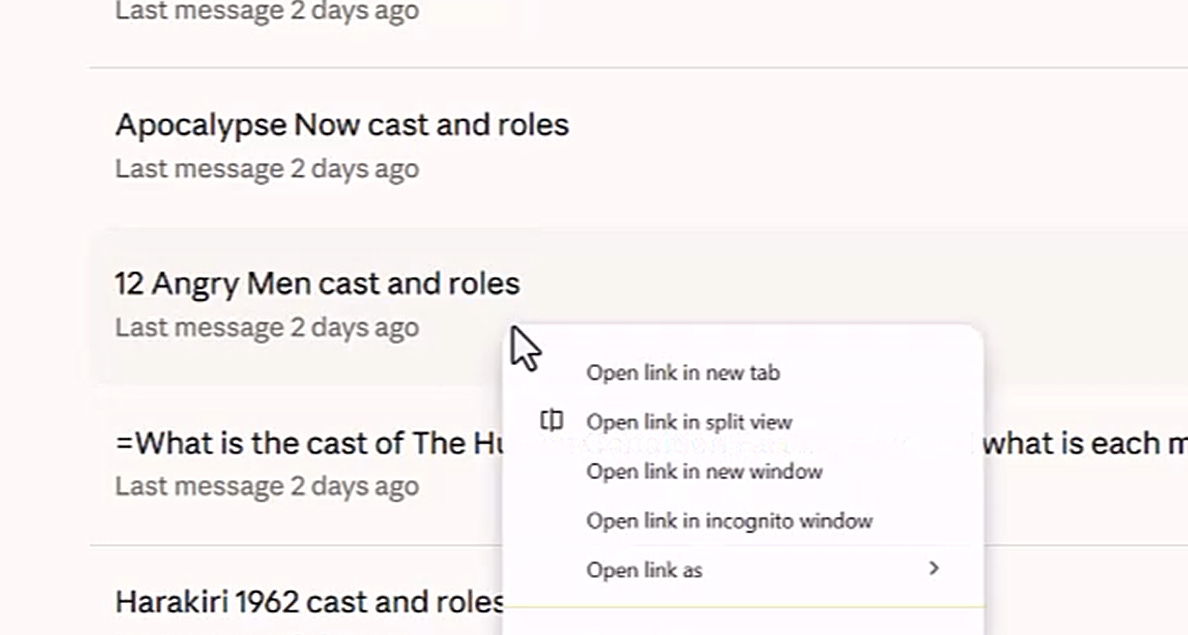
And select open link in split view…
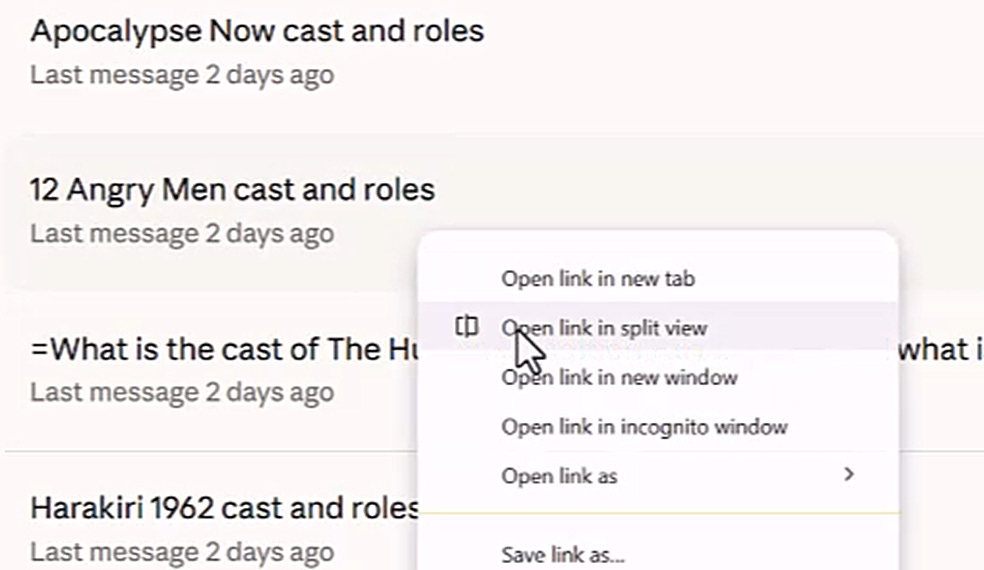
This will open a split view and target that window.
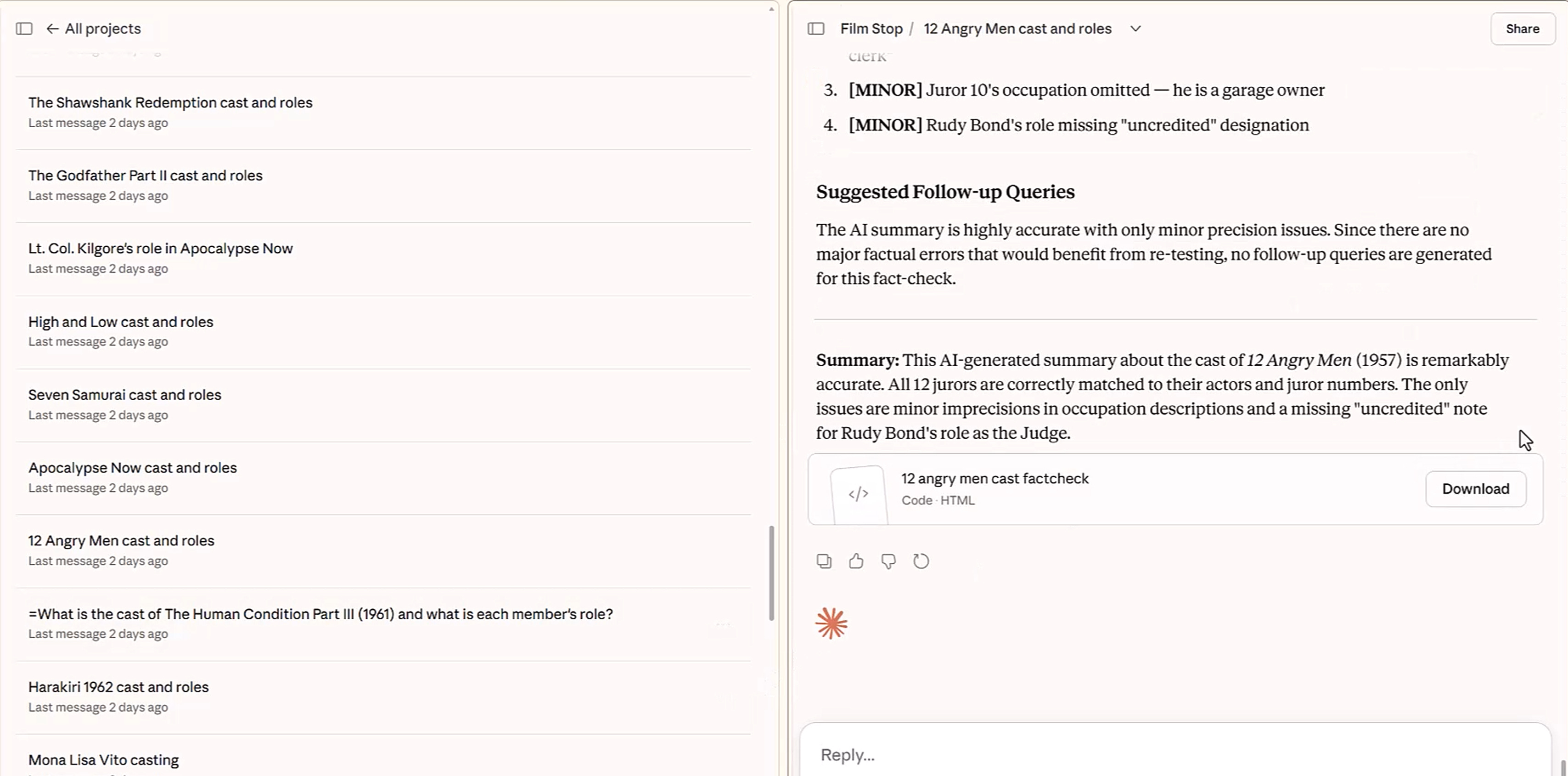
The next time you open the context menu you will see the ability to target the right view:
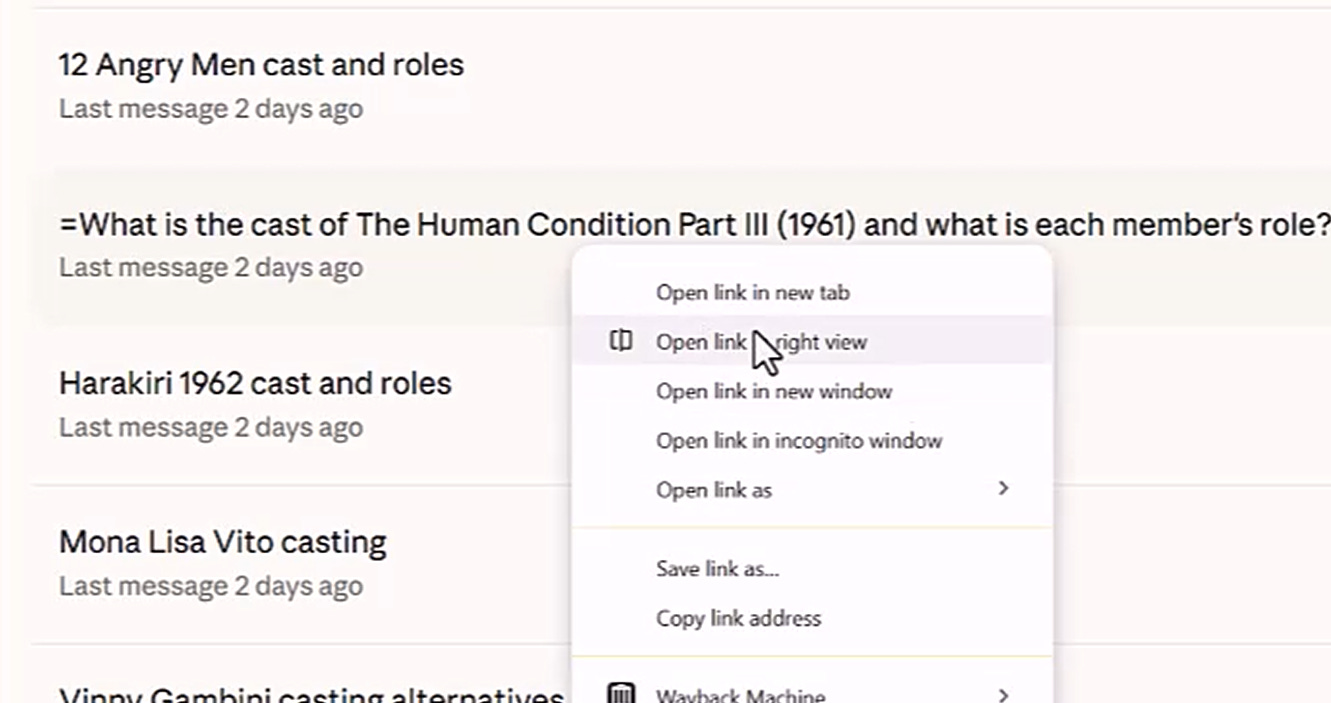
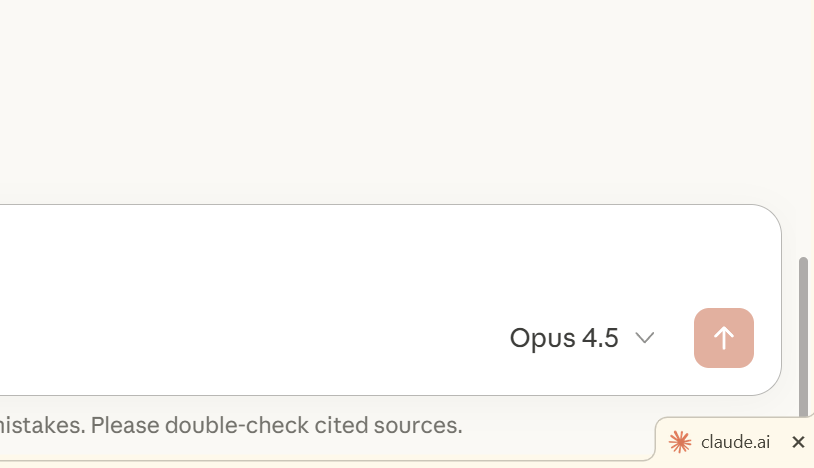
You can keep doing that, which in this case allows me to go through a list of links without constantly trying to remember after I close a tab what the last link I clicked was. To close the right view, click the tiny “x” at the bottom of your window…
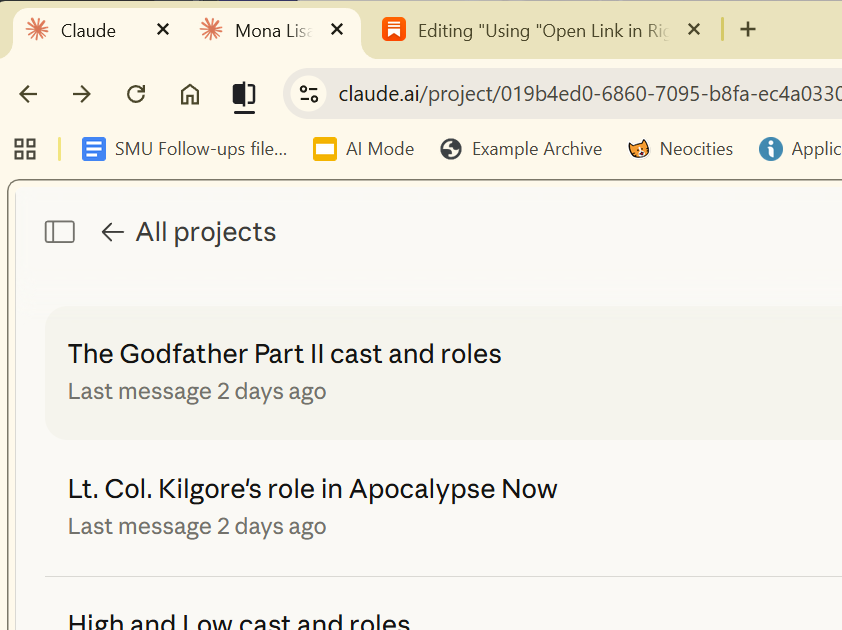
Or the second “x” on the “monster tab” up top:
Anyway, this tip helped me save a lot of time today, and now maybe it can help you.
Agree, really useful, thanks! I can also see how it can go crazy given how I know my brain works (multiple nested levels of links and all that)